Insights | September, 2026
What Makes a Successful Mobile App: UX, Performance, and Functionality
BrandubeExplore the essential factors behind successful mobile apps, from intuitive UX and responsive performance to useful functionality and consistent experiences.

Table of Content
Overview Introduction Start with a Clear Product Purpose Design an Intuitive Mobile UX Build Useful and Focused Functionality Prioritize Mobile App Performance Create Reliable and Secure Experiences Design for Different Devices and Conditions Test the App with Real Users Improve the App After Launch Common Mobile App Development Mistakes to Avoid Conclusion Frequently Asked QuestionsOverview
A successful mobile app is more than a collection of features placed inside a smartphone interface. It is a complete digital experience that needs to help users accomplish meaningful tasks quickly, clearly, and reliably. From the first interaction to everyday use, every part of the experience can influence whether users continue returning to the application.
Strong mobile applications bring together thoughtful UX design, useful functionality, responsive performance, reliable technology, and consistent interactions. When these elements work together, an app becomes easier to understand, easier to use, and better prepared to create long-term value for both users and the business behind it.
Introduction
Mobile applications have become an important way for businesses to deliver services, communicate with customers, support internal operations, and create direct digital experiences. Users interact with apps in a wide range of situations, often while moving between locations, devices, networks, and tasks.
This makes mobile product development different from simply adapting a website to a smaller screen. Mobile applications need to account for touch interactions, device capabilities, screen sizes, network conditions, notifications, permissions, and platform-specific expectations.
A successful app therefore starts with a clear understanding of its users and the problem it is solving. Technology supports the experience, but the product should remain focused on making important user tasks simple, useful, and reliable.
Start with a Clear Product Purpose
Before designing screens or developing features, define what the application is intended to accomplish. A clear product purpose provides direction for decisions throughout the development process and helps prevent the app from becoming overloaded with features that do not meaningfully support users.
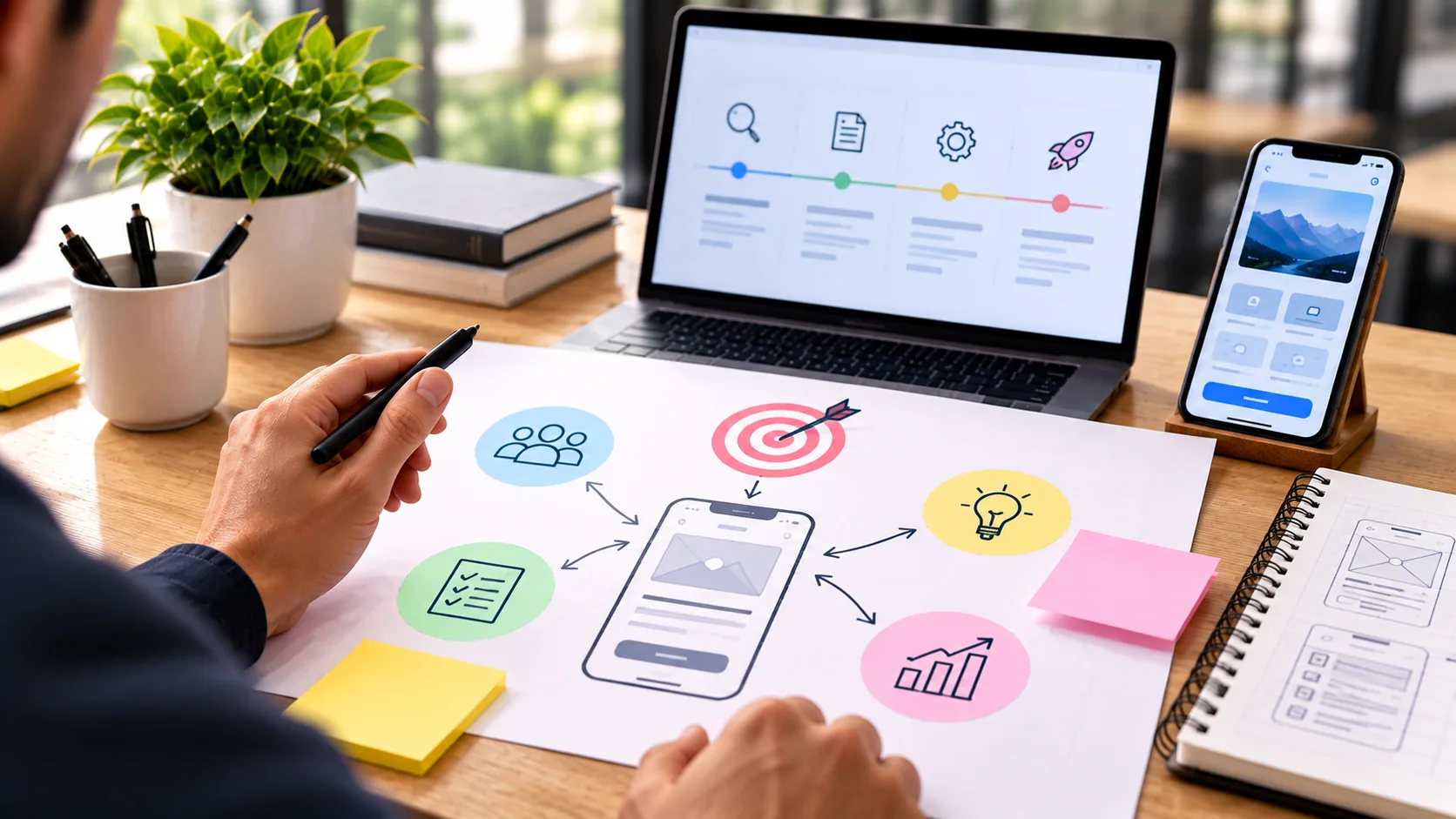
Identify the primary audience, their needs, and the situations in which they will use the application. Then define the core tasks the app should make easier or more valuable. These tasks should become the foundation for the product's main user flows.
A focused product strategy also helps prioritize development. Not every possible feature needs to be available from the beginning. Concentrating on the most important functionality can make the first version easier to understand, test, improve, and maintain.
Design an Intuitive Mobile UX
User experience is one of the most important parts of a mobile application. Even technically advanced functionality can lose its value if users cannot understand how to navigate the app or complete important actions easily.
Mobile UX should be designed around clear user journeys. Navigation should help users understand where they are, where they can go, and how to return to important areas. Primary actions should be visible and positioned where they can be comfortably reached through touch interactions.
Interfaces should also provide useful feedback. Loading states, confirmations, validation messages, empty states, and error handling can make interactions feel more predictable and trustworthy. Small details often have a significant influence on how comfortable an application feels during everyday use.
Good mobile UI design also considers typography, spacing, touch targets, hierarchy, contrast, and visual consistency. These elements should work together to create an interface that feels clear rather than crowded.
Build Useful and Focused Functionality
Functionality should support the purpose of the application rather than exist simply because a feature is technically possible. Every major feature should provide a clear reason for users to interact with it.
Start by identifying the essential actions users need to complete. These might include searching, purchasing, communicating, creating content, managing information, booking services, tracking activity, or accessing personalized data depending on the product.
Features should be organized in a way that keeps important tasks accessible without overwhelming the interface. Progressive disclosure can be useful when an application contains advanced functionality that is not required during every interaction.
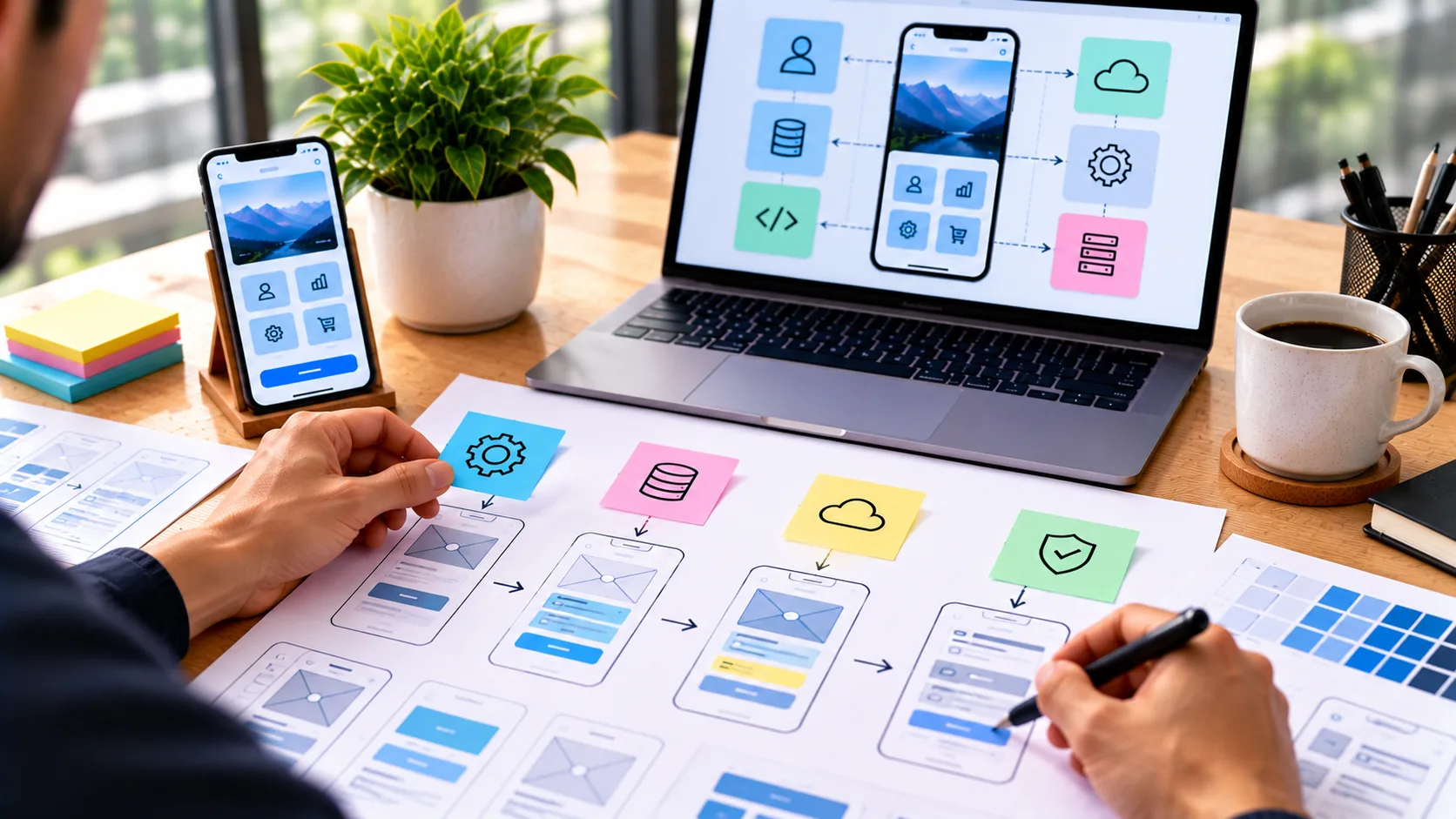
Functionality should also be designed with consistency in mind. Similar actions should behave in similar ways across the application, reducing the amount of effort users need to understand new screens and workflows.
Prioritize Mobile App Performance
Performance has a direct influence on how users perceive a mobile application. Slow startup times, delayed interactions, unnecessary loading, crashes, and excessive resource usage can make even a useful product frustrating to use.
Performance should be considered throughout the development process. Images and other assets should be optimized, unnecessary processing should be reduced, and network requests should be handled efficiently. Where appropriate, caching and local data can help reduce repeated requests and improve responsiveness.
Mobile applications also need to account for real-world network conditions. Users may switch between fast and slow connections, temporarily lose connectivity, or use the application in areas with limited network availability. Designing useful loading, retry, and offline states can make the experience more resilient.
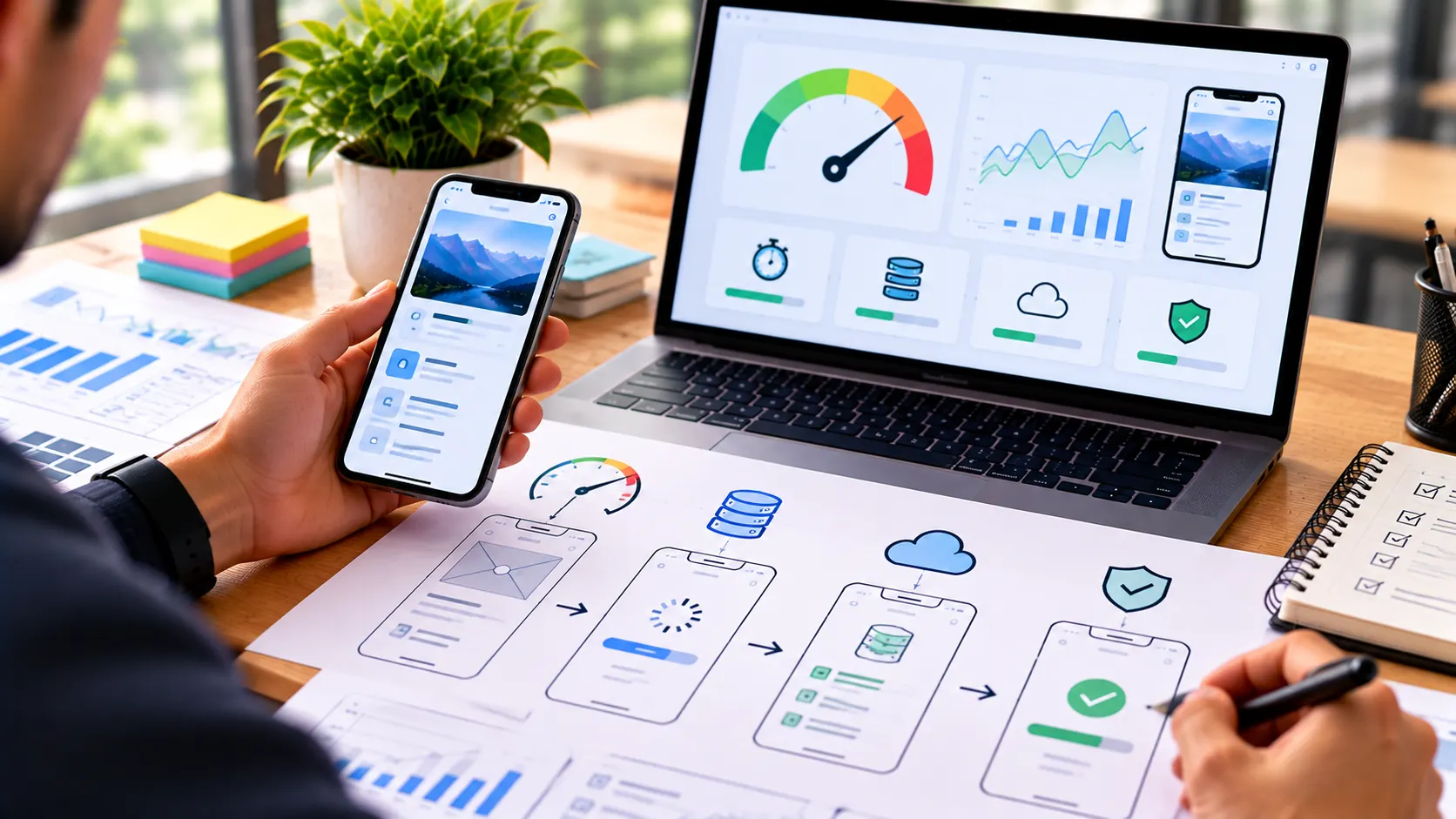
Performance testing should be based on realistic devices and usage conditions rather than only the development environment. Measuring actual application behavior helps identify areas where optimization can create the greatest improvement.
Create Reliable and Secure Experiences
Reliability is essential for applications that users depend on regularly. Important actions should behave predictably, data should be handled carefully, and errors should not leave users uncertain about whether an action was completed.
Authentication and authorization should protect accounts and ensure that users can access only the information and functionality appropriate to them. Sensitive information should be handled securely, and communication between the application and backend services should use appropriate protection.
Applications should also provide clear recovery paths when something goes wrong. Instead of simply displaying a technical error, the interface should explain what happened when possible and provide a useful next step.
Reliability and security should be integrated into the product from the beginning rather than treated as final-stage requirements. This creates a stronger foundation for future updates and long-term maintenance.
Design for Different Devices and Conditions
Mobile users do not all interact with applications under the same conditions. Different screen sizes, operating systems, device capabilities, accessibility settings, and network environments can change how an application behaves.
Responsive layouts should adapt appropriately to different screen dimensions while maintaining clear hierarchy and comfortable interaction. Touch targets should provide enough space for accurate interaction, and important content should remain accessible without unnecessary navigation.
Device permissions and capabilities should also be handled thoughtfully. If an app requires access to a camera, location, notifications, files, or other device functionality, users should understand why that access is needed and what value it provides.
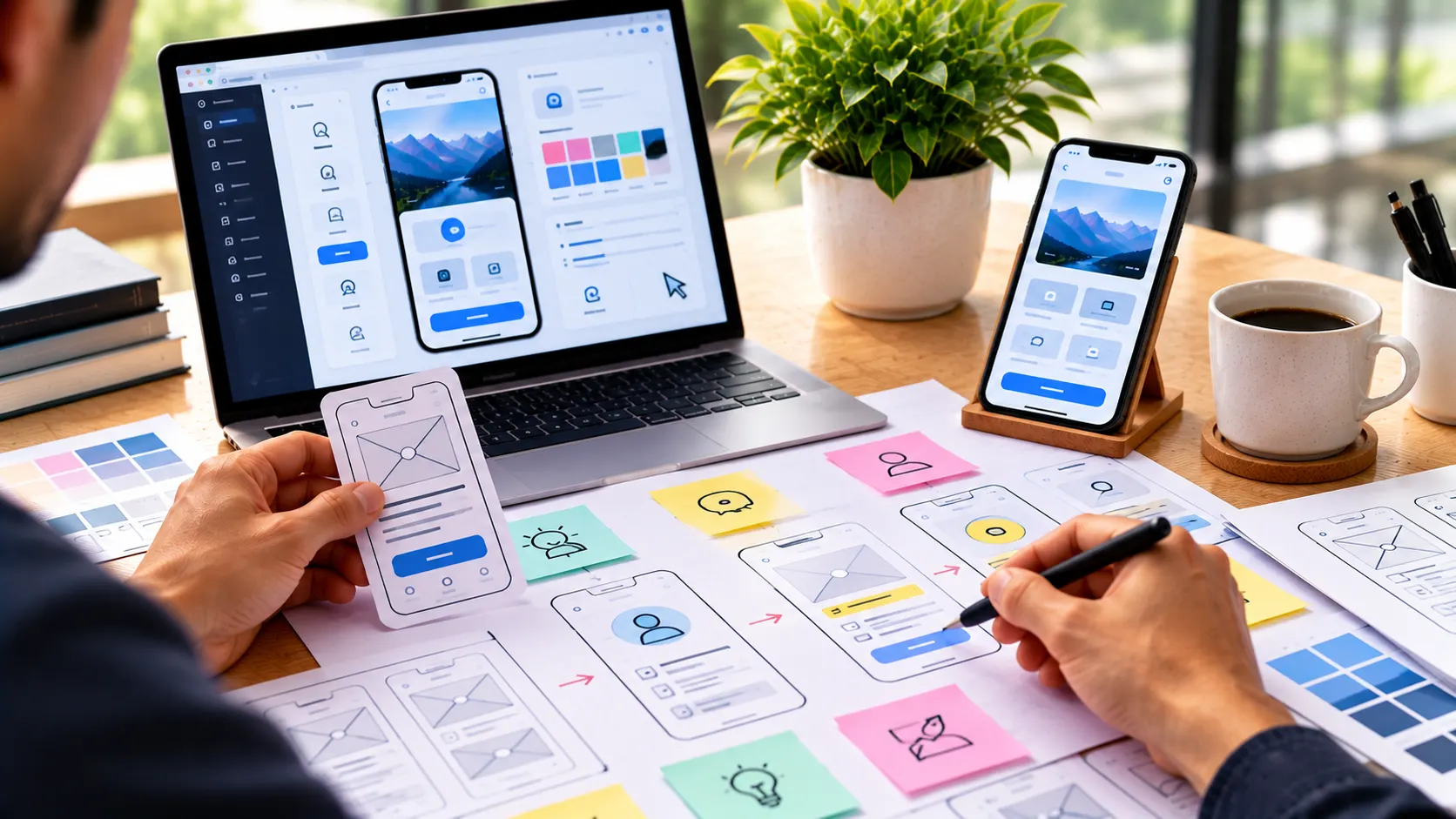
Accessibility should be part of the mobile design process as well. Readable text, sufficient contrast, logical navigation, meaningful labels, and compatibility with supported accessibility technologies can help create a more inclusive experience.
Test the App with Real Users
Testing with real users can reveal issues that designers and developers may not identify on their own. Users bring different expectations, habits, technical environments, and ways of interpreting an interface.
Usability testing can help determine whether people understand navigation, discover important features, complete key tasks, and recover from mistakes. Observing these interactions provides valuable information about where the product experience may need improvement.
Technical testing should cover different devices, operating system versions, screen sizes, network conditions, and common usage scenarios. Functional testing should also verify important workflows, account states, permissions, notifications, and data handling.
Testing should continue throughout development rather than being limited to the period immediately before launch. Early testing can identify problems while they are still relatively simple to address.
Improve the App After Launch
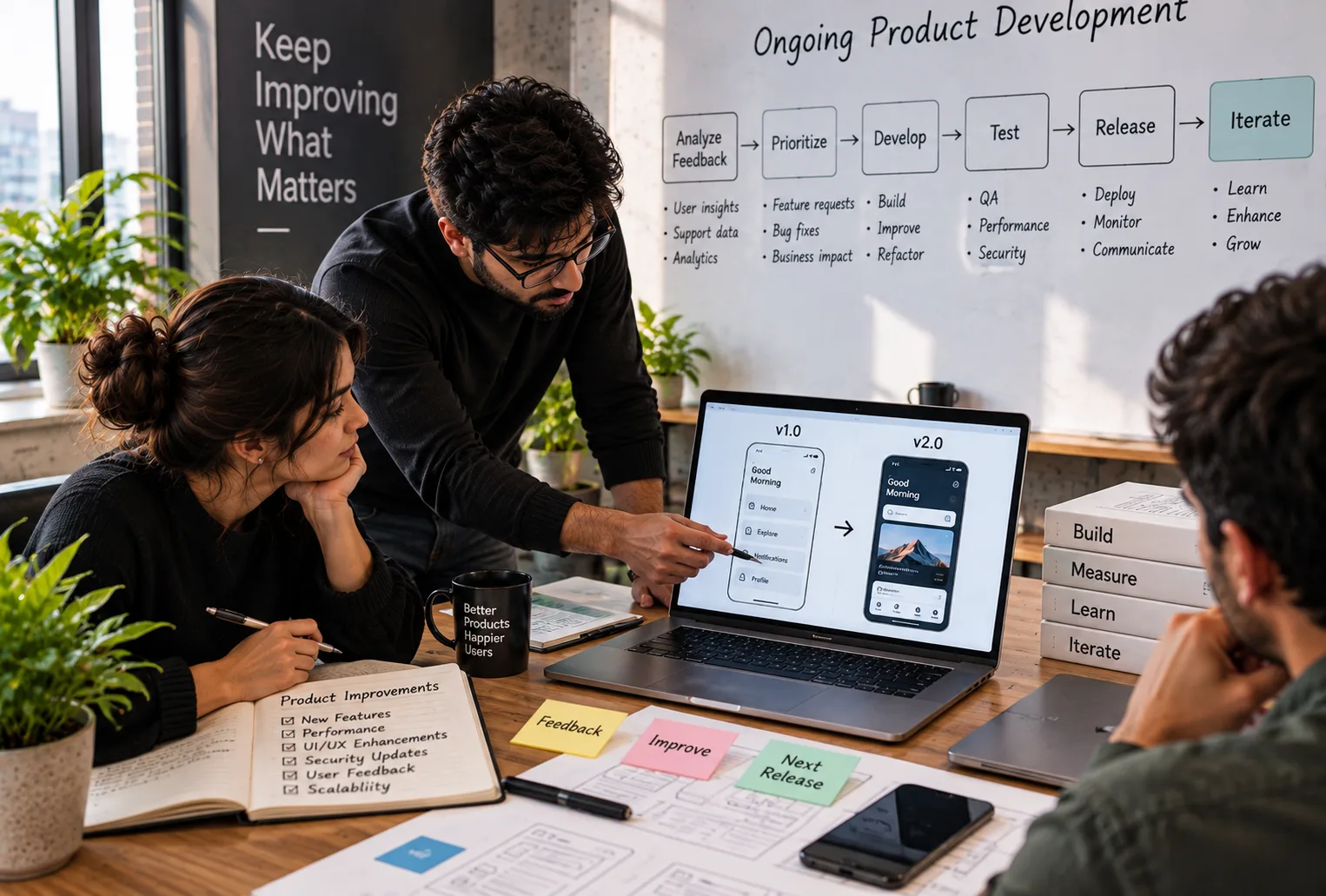
Launching a mobile application is the beginning of its ongoing development. User behavior, feedback, analytics, technical performance, and changing expectations can reveal opportunities that were not visible during the initial development process.
Product analytics can help teams understand which features are used frequently, where users leave important workflows, and which parts of the experience may require improvement. Feedback can provide additional context by explaining why users experience particular problems or value certain features.
Ongoing development can include performance optimization, bug fixes, security improvements, usability refinements, new functionality, and compatibility updates. Prioritizing these improvements based on evidence helps keep the application useful and reliable over time.
A mobile app should be treated as an evolving digital product rather than a one-time project. Continuous development creates opportunities to respond to users and improve the overall experience as requirements change.
Common Mobile App Development Mistakes to Avoid
Building too many features too early: A large feature set can make an app difficult to understand and increase development complexity. Focus first on the functionality that provides the most value.
Ignoring the user journey: Individual screens may look polished while the overall experience remains confusing. Design complete workflows rather than isolated interfaces.
Treating performance as an afterthought: Performance should be considered from architecture and design through development and testing.
Designing only for one device: Mobile applications should be evaluated across relevant screen sizes, operating systems, and device conditions.
Neglecting error and loading states: Users need clear feedback when an operation takes time, fails, or requires another action.
Skipping real-user testing: Internal testing alone may not reveal usability problems that become obvious when people unfamiliar with the product interact with it.
Stopping development after launch: Mobile applications require ongoing maintenance, optimization, compatibility updates, and improvements based on user needs.
Conclusion
A successful mobile app brings together useful functionality, intuitive UX, reliable technology, strong performance, and continuous improvement. No single element can compensate for weaknesses across the rest of the experience.
Starting with a clear product purpose helps teams prioritize meaningful functionality. Thoughtful UX makes important tasks easier to complete, while efficient development and performance optimization help the application remain responsive and reliable.
Testing across real devices and conditions, listening to users, monitoring product behavior, and continuing development after launch create a stronger foundation for long-term success. The goal is not simply to release an app, but to build a digital product that remains useful as users and their expectations evolve.
Frequently Asked Questions
- What makes a mobile app successful?
A successful mobile app combines a clear purpose, useful functionality, intuitive UX, reliable performance, secure technology, and continuous improvement based on user needs and product data. - Why is UX important for mobile applications?
UX helps users understand how an application works and complete important tasks with less friction. Clear navigation, consistent interactions, useful feedback, and accessible interfaces contribute to a better overall experience. - How important is mobile app performance?
Performance is essential because slow loading, delayed interactions, crashes, and excessive resource usage can negatively affect how users experience an application. - Should a mobile app include every possible feature?
Not necessarily. Applications are often easier to understand and maintain when their functionality is focused on the most important user needs and expanded thoughtfully over time. - How can mobile app usability be tested?
Usability can be evaluated by observing real users completing important tasks, collecting feedback, identifying points of confusion, and improving workflows based on those findings. - Why should mobile apps be tested on different devices?
Different devices can have different screen sizes, operating systems, performance capabilities, and interaction conditions. Testing across relevant environments helps identify compatibility and usability issues. - What should happen after a mobile app launches?
After launch, teams should monitor performance, review user feedback and analytics, fix issues, improve usability, maintain compatibility, and introduce useful improvements over time. - How can a mobile app remain useful in the long term?
Continuous development, performance optimization, security updates, user research, analytics, maintenance, and thoughtful feature improvements can help an application remain relevant as user needs evolve.
Insights | September, 2026
Why Ongoing Product Development Matters After Launch
Learn how continuous improvements, performance optimization, maintenance, and new features help digital products remain secure, useful, reliable, and ready to evolve.
Brandube

Insights | September, 2026
From Wireframes to Prototypes: A Practical Guide to Product Design
Learn how wireframes and prototypes transform early product ideas into clear, testable experiences while reducing design and development uncertainty.
Brandube

Insights | September, 2026
Building Scalable SaaS Products: From Idea to Launch
Discover how to transform a SaaS concept into a scalable digital product by combining user-focused design, reliable development, and a clear product strategy.